- Serchen Daily
- Posts
- Watch it come alive
Watch it come alive
Lightweight animation for any platform

This edition is brought to you by |  |
Featured app • LottieFiles
Animations that load like they weigh nothing
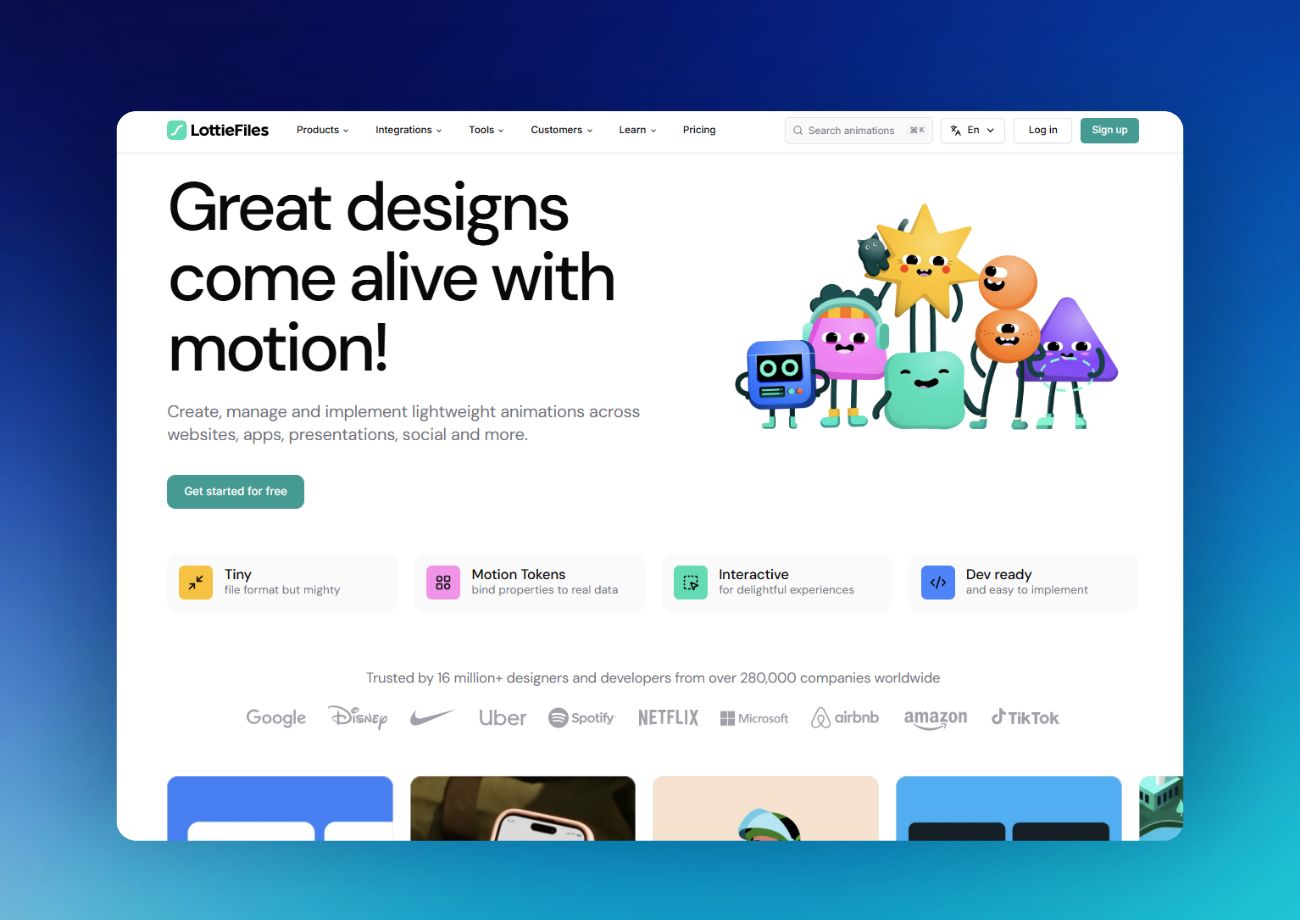
GIFs are heavy. Videos are heavier. Lottie animations are 600% lighter than both and look sharper at any size. LottieFiles lets you create, edit, and ship animations across web, iOS, Android, and React Native from one platform. Design in After Effects or Figma, or use the no-code Lottie Creator to build from scratch. Over 15 million designers and developers use it, including teams at Google, Microsoft, and Airbnb.
What is it:
A platform for creating, editing, testing, and shipping lightweight Lottie animations across every platform and device.
Who is it for:
Designers, developers, and product teams who want rich animation without the file bloat or performance hit.
Alternative to:
GIFs, embedded videos, CSS animations, or hiring a motion designer for every micro-interaction.
Why we like it:
We like LottieFiles because it makes animation as easy to ship as a static image.


Explore more app discoveries
Missed a previous issue? Don’t worry! Catch up on all the incredible apps we’ve featured in past issues and find hidden gems you might have overlooked.
 | An all-in-one email app with calendar, contacts, chat, and more for Windows, Mac, iOS, and Android. |
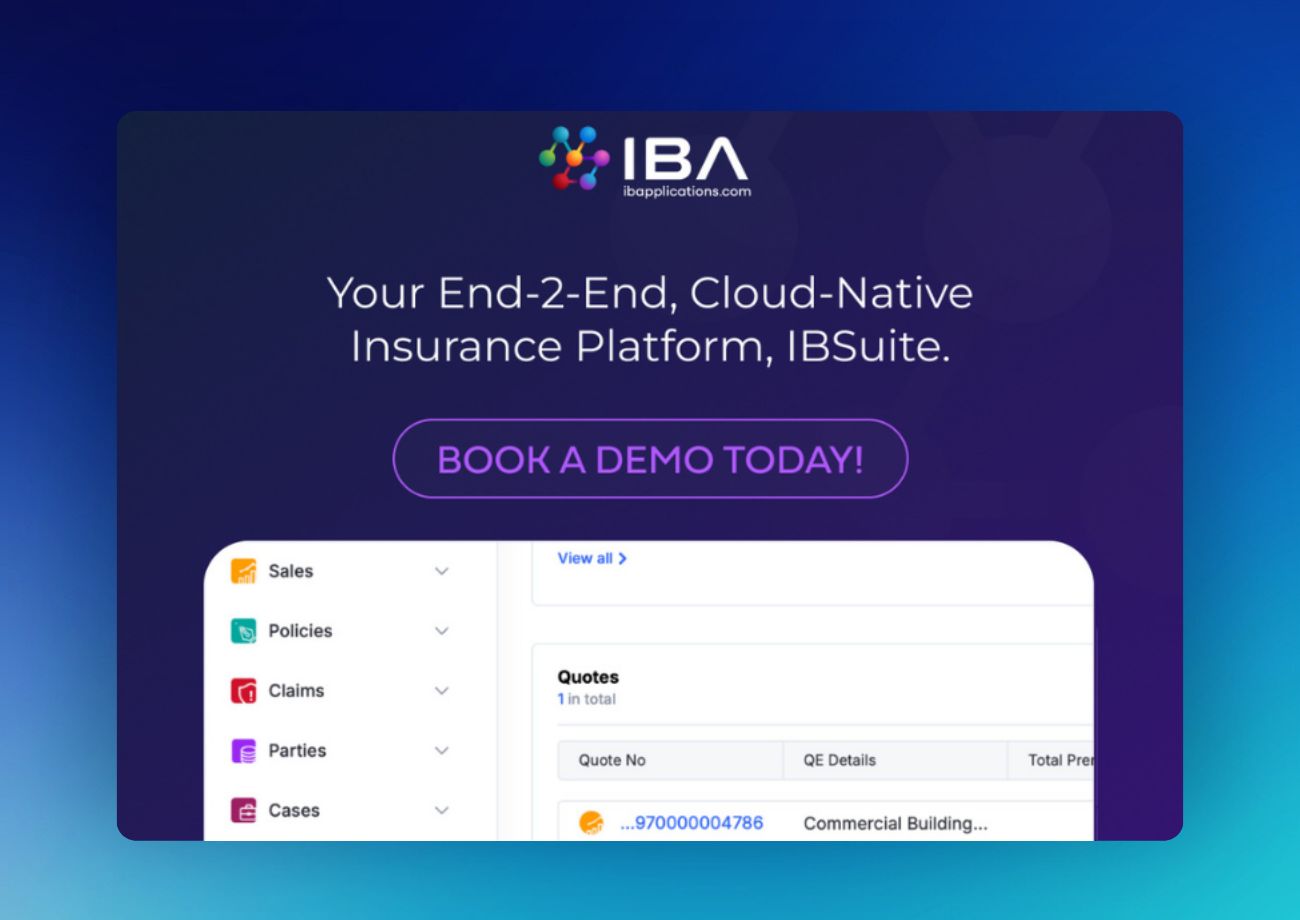 | A cloud-native insurance core built for speed, flexibility, and scale. |
 | A simple yet powerful CRM with built-in AI for instant contact summaries, call prep, and follow-ups. |
 | An all-in-one bookmark manager with full-text search, collections, highlights, web archiving, and an AI assistant. |
How Jennifer Aniston’s LolaVie brand grew sales 40% with CTV ads

The DTC beauty category is crowded. To break through, Jennifer Aniston’s brand LolaVie, worked with Roku Ads Manager to easily set up, test, and optimize CTV ad creatives. The campaign helped drive a big lift in sales and customer growth, helping LolaVie break through in the crowded beauty category.
Sponsor • SaneBox
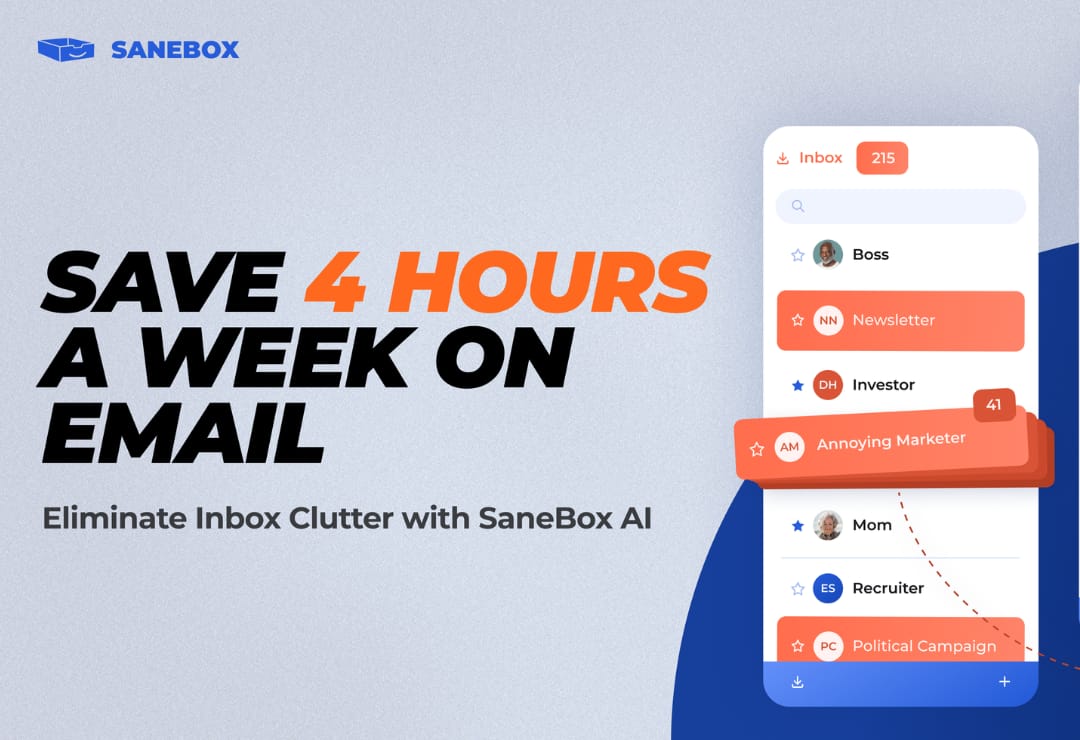
Save 4 Hours a Week on Email
SaneBox AI automatically filters inbox clutter, unsubscribes you from unwanted senders, and reminds you to follow up so nothing slips through the cracks.
How SaneBox Works:
AI-powered filtering: Automatically sorts unimportant emails out of your inbox so you only see what matters.
One-click unsubscribe: Use BlackHole to banish annoying senders from your inbox for good.
Follow-up reminders: Get notified if someone doesn't respond, so you never miss an important thread.
Snooze emails: Send messages away until you're ready for them, like Monday morning instead of Saturday night.
Daily Digest: Get a summary of unimportant emails you haven't opened yet in one convenient review.
Works with every email client on iOS, Android, desktop, and mobile. Start using SaneBox in less than 5 minutes with no downloads required.
Latest posts
Explore the latest insights on the Serchen blog – featuring informative articles, practical advice, and software guides designed to support better business decisions.
✍️ How AI Writing Is Analyzed In Modern Content Workflows
See how teams review AI-generated content for clarity, tone, structure, and SEO to ensure quality, consistency, and reader value
📊 Hedge Funds Run on Spreadsheets
Explore why hedge funds still rely on spreadsheets and how modern platforms aim to reduce risk, improve data accuracy, and scale operations.
🧠 What to Know Before Using AI-Generated Editable Assets
Learn how to evaluate quality, licensing, accuracy, and security when using AI-generated assets for reliable and responsible content creation.
💼 The Wasted Millions in Government Contract Bids
See how broken proposal, quoting, and contract workflows waste millions and how software helps streamline bidding, compliance, and cost accuracy.
🛡️ How a Fraud Prevention Platform Stops Complex Attacks
See how fraud prevention platforms use real-time analysis, machine learning, and layered security to detect and stop threats early.
